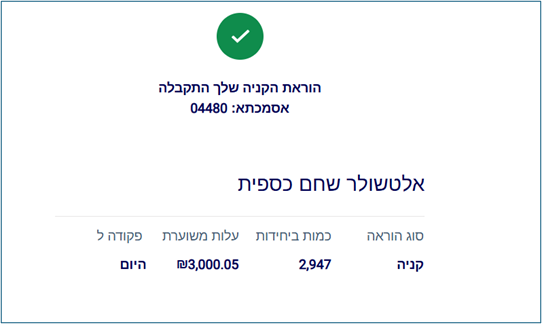
A short guide to buying a money market fund:
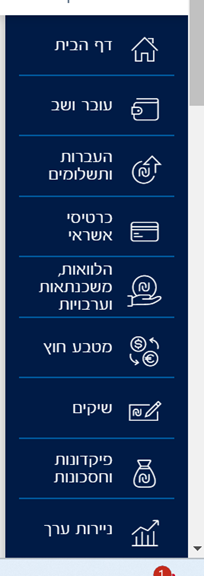
- Log in to the bank's website and choose the capital market/securities tab:
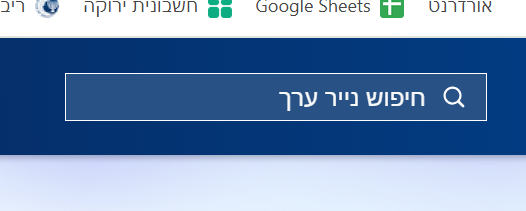
- Choose security search
- Type the security number, for example 5138763, which is an Altshuler Shaham fund with very low management fees (this should not be seen as a recommendation for this fund or any other fund).
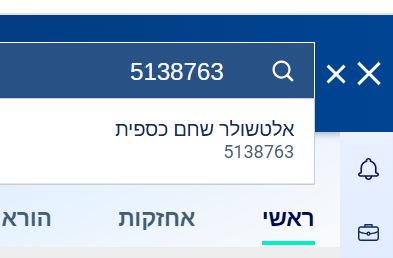
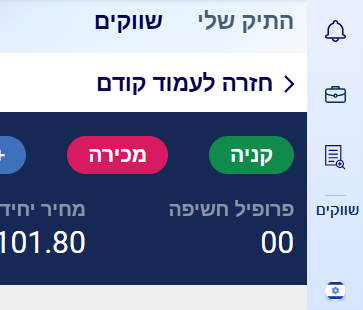
- Click "Buy"
-
A small thing – the price shown, 101.8 – is in agorot. That means each unit costs one shekel and 1.8 agorot.
-
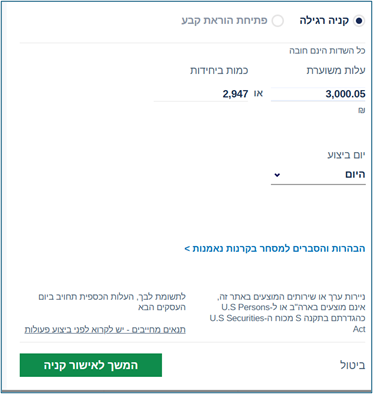
Choose the amount you want to deposit and confirm: note that the actual amount won't be exactly what you chose, but a number divisible by the fund's price. For example, in this example – I wrote 3,000 and it came out 3,000.5. One more thing – you can also set up a standing order for any amount every month, circled in the image (did I already say it's a great fund?)
- Confirm again:
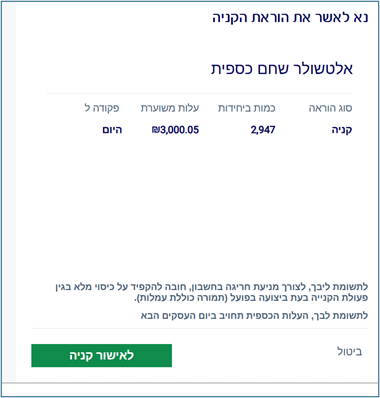
- And that's it! Now you need to wait for the purchase to actually go through.